Your Macs, anywhere
Sign in with the same account on your Mac and your phone. Your Macs appear automatically, at home or across the internet. No codes, no port forwarding.
 DeskSail
: Remote Desktop
See and control your Mac from your Android phone, at home or anywhere else. Sharp up to 4K, smooth under your fingers, private by design, and free on your home network.
See it in action
Turn your phone sideways for the full picture. The toolbar keeps the keyboard, mouse modes and Mac keys within reach, and tucks away when you don't need it.

Made for touch
Use your phone as a trackpad or touch exactly where you want to click. Every gesture is tuned to follow your finger, with momentum and gentle haptics.

Any network
Pick the picture that suits your connection, and change it any time during a session from the toolbar.

Features
DeskSail does one thing well: it puts your Mac's screen on your phone and lets you use it as if you were sitting in front of it.
Sign in with the same account on your Mac and your phone. Your Macs appear automatically, at home or across the internet. No codes, no port forwarding.
On your home network you don't even need an account. Scan the code your Mac shows, check that the short codes match, and you're paired.
Phones signed in to your account connect straight away, with no codes to type. Prefer to approve each connection? Turn it on in your Mac's settings. Remove a device and it's cut off instantly.
Screen, keyboard and mouse travel directly between your devices, encrypted with WebRTC. Every control message is signed, and our server only introduces your devices to each other.
Switch between your Mac's displays during a session, and copy text from your Mac to your phone and back again.
Optionally require your fingerprint, face or screen lock every time DeskSail opens, so nobody else can get to your Mac from your phone.
A closer look
Real screens from the DeskSail app on Android.
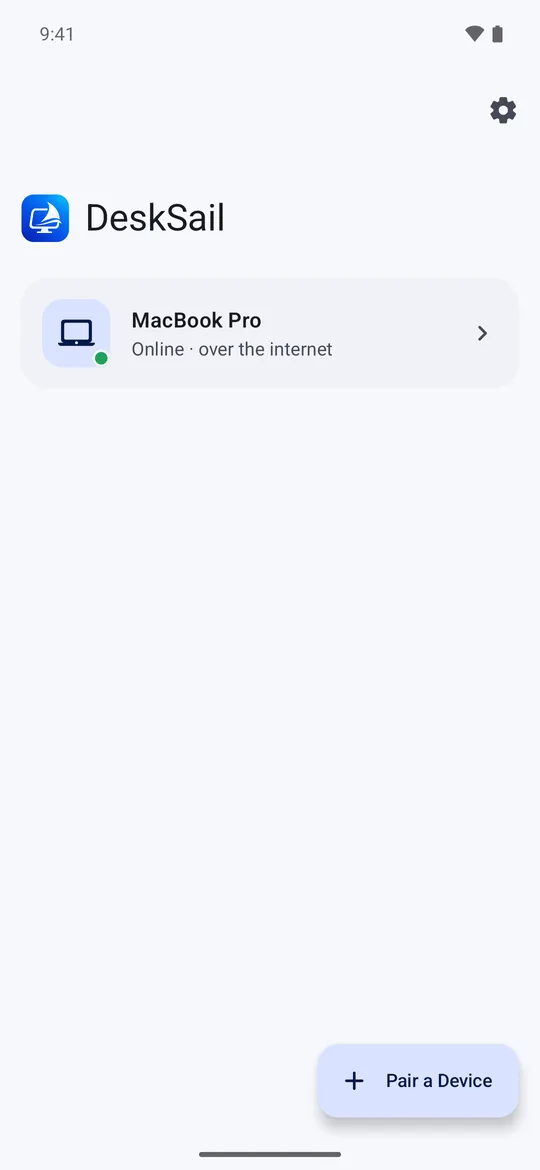
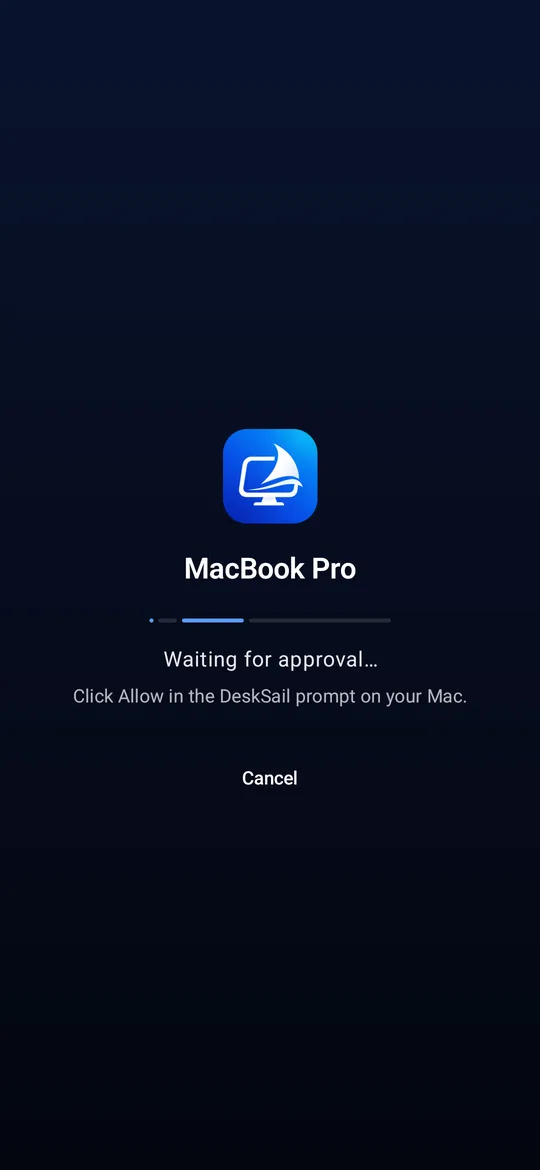
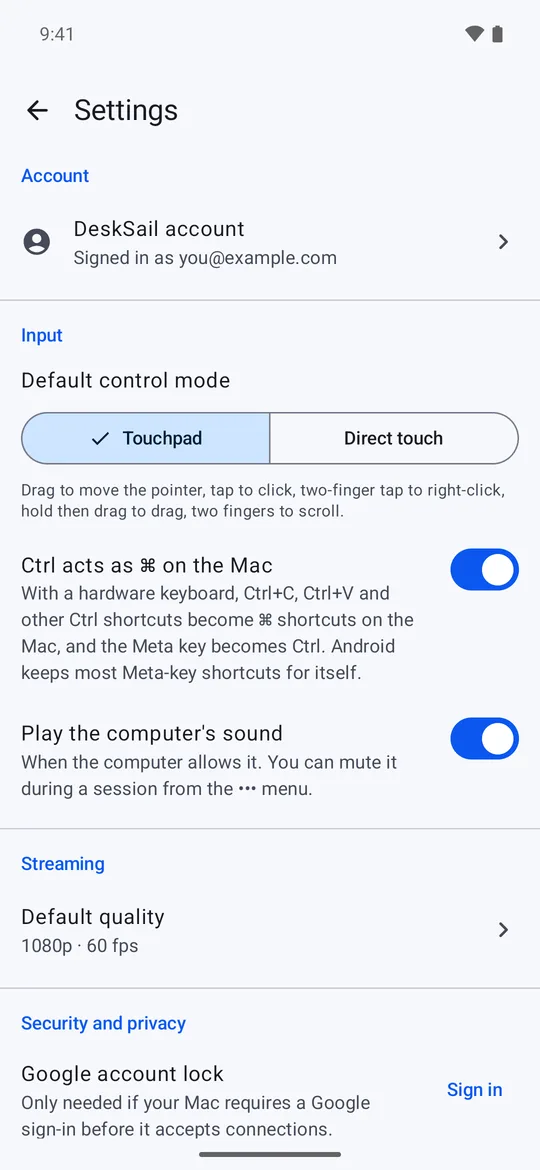
How it works
It takes a few seconds. All you need is your name and an email address, or your Google account.
DeskSail runs quietly in your Mac's menu bar. Sign in once and allow screen sharing when macOS asks.
Open DeskSail on Android, sign in with the same account and tap your Mac. You're in.
Pricing
Use DeskSail on your own network for free, for as long as you like. Add Pro to reach your Mac from anywhere.
$0
$2.99 / month
or $24.99 a year
Questions
On the same network, yes: every feature, with no time limit and no ads. Connecting from anywhere else over the internet is DeskSail Pro, $2.99 a month or $24.99 a year, with a 3-day free trial that starts when you verify your email. No card is needed for the trial.
Your Mac needs macOS 14 Sonoma or later. You control it from an Android phone or tablet running Android 8.0 or later.
No. Your screen, keyboard and mouse go directly from your phone to your Mac over an encrypted connection. Our server stores your account and your list of devices, and passes the short messages your devices need to find each other. It never receives your screen, what you type or your clipboard.
Not on your home network: you can pair your phone and Mac with a QR code. You need a free account to reach your Mac from anywhere else.
Yes. DeskSail connects your phone directly to your Mac, even when they're on different networks. A few very strict networks, such as some workplace or carrier networks, block direct connections, and DeskSail can't connect through those yet.
Not yet. Your Mac needs to be awake and logged in, with DeskSail running. macOS also blocks remote typing into a few secure password fields.
Sign in on this website and open Account. Deleting your account removes your details and signs out all of your devices right away.
Create your free DeskSail account and reach your Mac from your pocket.
Create your free account